What Is a Retail Industry Email List?
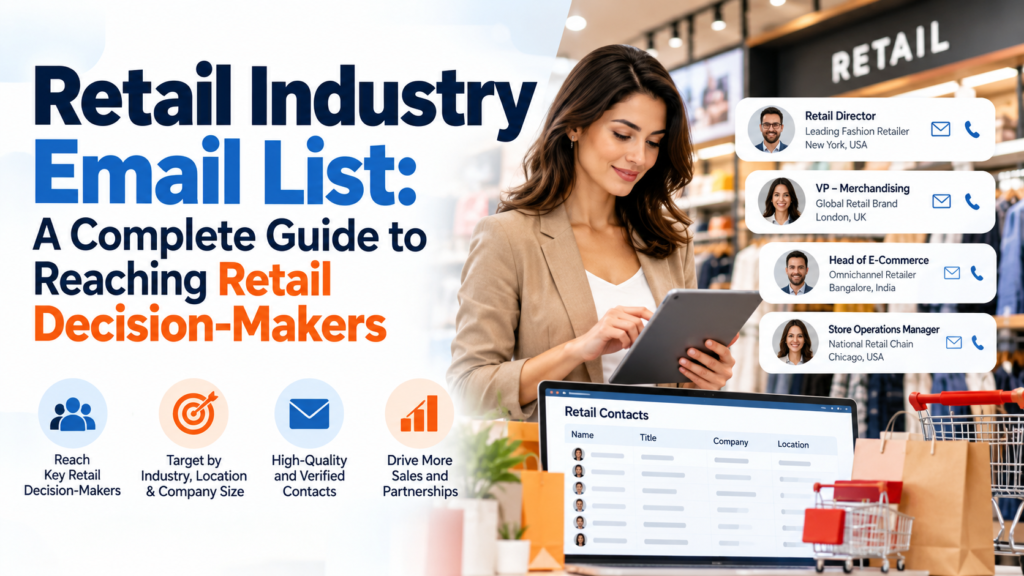
A retail industry email list is a verified database of business email contacts at retail companies, such as store chains, e-commerce brands, and distributors. It includes decision-makers like buyers, merchandising heads, and CMOs. B2B marketers use it to reach retail purchasing and operations leaders directly, with segmentation by format, size, and location.
Retail is a large, fragmented buying world. A good list turns it into a targetable audience: the right title, at the right retailer, with an inbox that still works. This guide covers who to reach, how to choose a provider, how to stay compliant, and how to run a campaign that earns replies.
Who Are the Decision Makers on a Retail Email List?
Retail email lists typically include buyers, merchandising directors, category managers, supply chain heads, e-commerce leaders, IT and technology heads, marketing executives, and C-suite owners. Each role controls a different budget, so the best campaigns match the offer to the title: product suppliers target buyers, software vendors target IT and operations leaders.
| Role | Typically controls | Best-fit offer |
|---|---|---|
| Buyer / Category Manager | Product sourcing and vendor selection | Wholesale, private label, new SKUs |
| Merchandising Director | Assortment and pricing strategy | Planning and analytics tools |
| Supply Chain / Logistics Head | Inventory, fulfillment, freight | WMS, 3PL, packaging |
| E-commerce Head | Online store and marketplaces | Platforms, payments, CRO |
| CMO / Marketing Director | Brand, loyalty, media budgets | Agencies, martech, data |
| CIO / IT Director | POS, ERP, cybersecurity | Software and integrations |
| Store Operations Head | Staffing and store experience | Workforce tools, fixtures, security |
| CEO / Founder (smaller chains) | Final sign-off on spend | Clear ROI proposals |
How Can You Segment a Retail Email List?
You can segment a retail email list by retail format, company size, geography, product category, sales channel, and technology stack. Segmenting this way lets you send grocers different messages than fashion or electronics retailers, which improves relevance, reply rates, and deliverability while reducing spam complaints.
The most useful filters are:
- Format: department stores, supermarkets, specialty shops, convenience, discount and off-price chains
- Category: fashion and apparel, grocery, electronics, home and furniture, beauty, pet, pharmacy, automotive
- Channel: brick-and-mortar, e-commerce only, omnichannel, direct-to-consumer brands
- Company size: independents, regional chains, national and global enterprises
- Geography: country, state or province, city, postal code
- Technology stack: commerce and ERP platforms such as Shopify, Magento, or SAP
Stack two or three filters, such as a regional apparel chain on a specific commerce platform, to build a list tight enough to write one relevant message for.
How Do You Choose a Retail Email List Provider?
Choose a retail industry email list provider by checking data sourcing, verification frequency, bounce guarantees, segmentation depth, and compliance documentation. Ask how contacts were collected, how recently they were verified, and what happens if emails bounce. A reputable vendor can answer all three in writing before you buy.
- Data sourcing: Ask where contacts come from and whether collection was lawful.
- Verification: Look for multi-step email verification and a recent refresh date.
- Bounce policy: Prefer a written replacement or refund policy for hard bounces.
- Segmentation: Confirm filters for title, format, size, geography, and technology.
- Title coverage: Check for named decision-makers, not generic info@ addresses.
- Compliance: Request opt-out suppression handling and a data-protection statement.
- Sample first: Test a small batch before buying the full list.
- Delivery format: Confirm CSV or CRM-ready files you can import immediately.
Should You Buy a Retail Email List or Build One?
Most teams combine both: buy a verified list to start outreach quickly, then grow an opt-in audience over time.
|
Approach |
Speed | Control | Main risk |
|---|---|---|---|
|
Buy a verified list |
Days |
Medium |
Quality varies by vendor |
|
Build with forms and events |
Months |
High |
Small initial reach |
| Scrape or harvest addresses | Fast | Low |
Legal and deliverability damage |
How Do You Run a Retail Email Campaign Step by Step?
Run a retail email campaign in seven steps: define your target roles, segment and verify the list, authenticate your domain, write a short role-specific message, send a three-touch sequence, track replies, and clean the list monthly. Start with a small test batch, then scale what earns replies.
- Define roles: Pick the titles and retailer types your offer actually helps.
- Segment and verify: Split by format and size, then re-verify addresses before sending.
- Authenticate: Set up SPF, DKIM, and DMARC, and warm up new sending domains.
- Write per segment: Lead with a retail problem, one proof point, and one clear ask.
- Send three touches: Space follow-ups several days apart, adding new value each time.
- Track replies: Measure replies and meetings booked, not just opens.
- Clean monthly: Remove bounces and opt-outs, and refresh stale contacts.
Open rates are inflated by mail-privacy features such as Apple Mail Privacy Protection, so replies and booked meetings are the metrics to trust.
Match the message to the role. A buyer wants margin and delivery terms; an IT director wants integration and security; a CMO wants customer growth. For example, a subject line like “Cutting return costs across your 40 stores” speaks to operations, while “New private-label range for fall” speaks to buying.
Frequently Asked Questions
How much does a retail email list cost?
Retail email list pricing depends on record count, filters, and licence terms such as one-time use or unlimited use. Narrow, verified lists with named decision-makers cost more per contact than broad lists. Request a quote based on your target roles, and compare cost per verified contact, not total price.
Is it legal to buy a retail email list?
Yes, buying a B2B email list is generally legal if the data was lawfully collected and you follow the rules where you send, such as CAN-SPAM, GDPR, and CASL. Buying a list does not transfer consent, so you remain responsible for opt-outs, honest messaging, and documenting your lawful basis.
Which retail job titles should I target first?
Target the role that owns the problem you solve. Buyers and category managers purchase products, supply chain heads buy logistics services, e-commerce leaders buy platforms, and IT directors buy software. Start with one role per campaign, then add a second only after you see which title replies.
How accurate are retail email lists?
No list is fully accurate, because at least 23% of any list goes stale each year as people change jobs and companies restructure. Verified lists reduce bounces, but you should still re-verify before sending and track your bounce rate to protect your sender reputation.
What ROI can I expect from a retail email list?
B2B email averages about $36 per $1 spent, and retail, e-commerce, and CPG programs report around $45, according to published benchmarks. Your result depends on list quality, offer relevance, and follow-up, so treat these as benchmarks rather than guarantees, and measure results by booked meetings.
How often should I clean a retail email list?
Re-verify your retail email list at least every quarter and before any large send. Remove hard bounces and opt-outs immediately, and refresh titles after known job changes. Regular cleaning protects deliverability and keeps you aligned with the data-accuracy expectations of privacy laws like GDPR.
Can I email personal addresses of retail executives?
Avoid it. Personal webmail addresses weaken the legitimate-interest case under GDPR because recipients expect commercial messages in their professional inbox, not their personal one. Stick to verified work addresses tied to the person’s business role, and always include a clear way to opt out.